▶ Play free classic games & apps — right now, in this tab
Free, license-clean software we host for you. No download, no install, no account — click a title and it boots in your browser. Cards, puzzles and arcade games pick up exactly where you left them; DOS games keep the saves you make from their own menus.
Continue playing
No titles match — .
Browse by category: Classic shooters · Side-scrolling platformers · The Windows desktop classics · Card games
- Your own Windows program▶ Load your own EXE
-
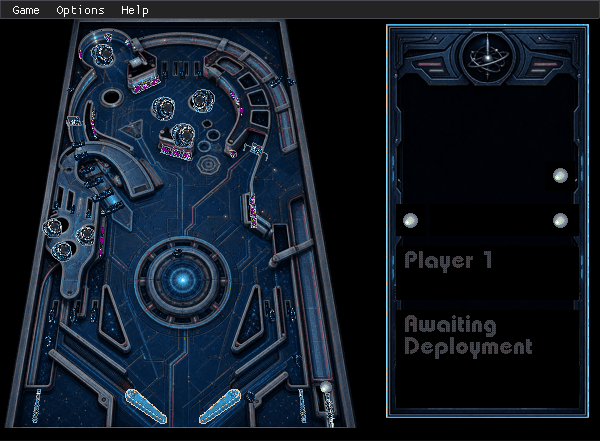 3D Pinball Space Cadet FREE▶ Play free
-
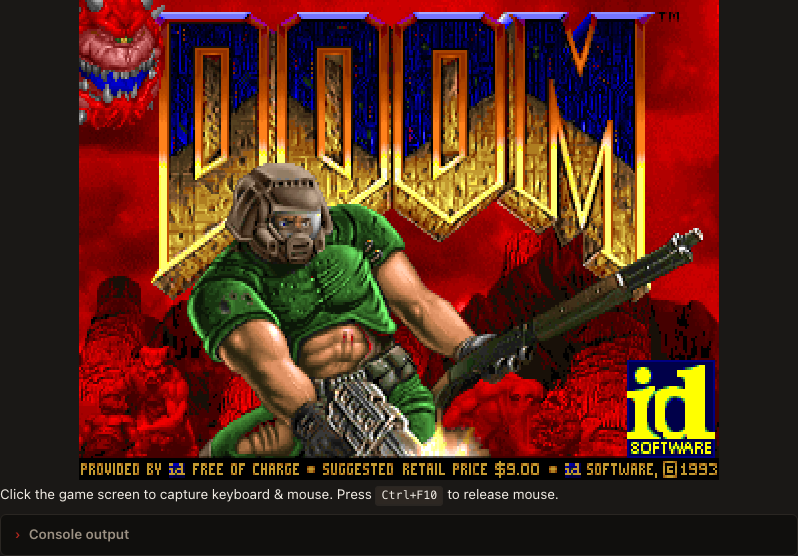 DOOM▶ Play free
-
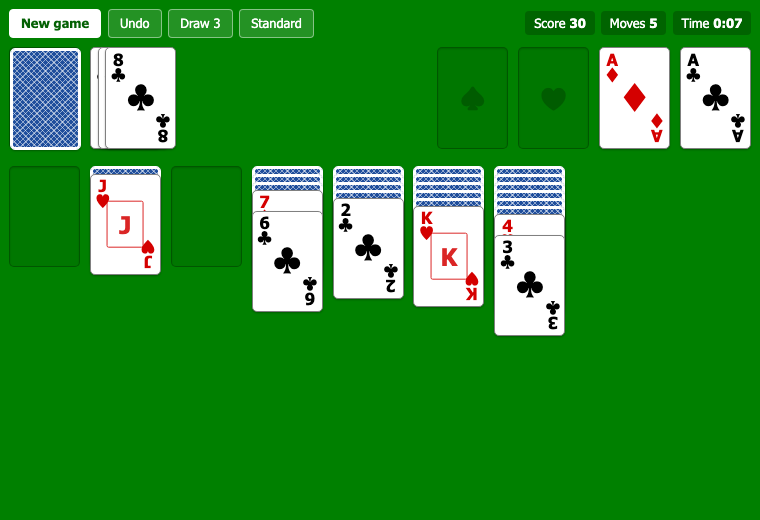 Solitaire (Klondike) FREE▶ Play free
-
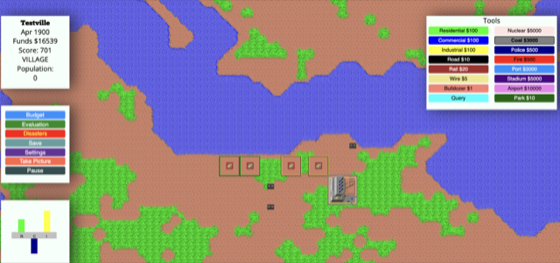 Micropolis FREE▶ Play free
-
 Wolfenstein 3D▶ Play free
-
 Beneath a Steel Sky FREE▶ Play free
- Lure of the Temptress FREE▶ Play free
- Flight of the Amazon Queen FREE▶ Play free
- Sołtys FREE▶ Play free
-
 SkiFree▶ Play free
-
 Minesweeper FREE▶ Play free
-
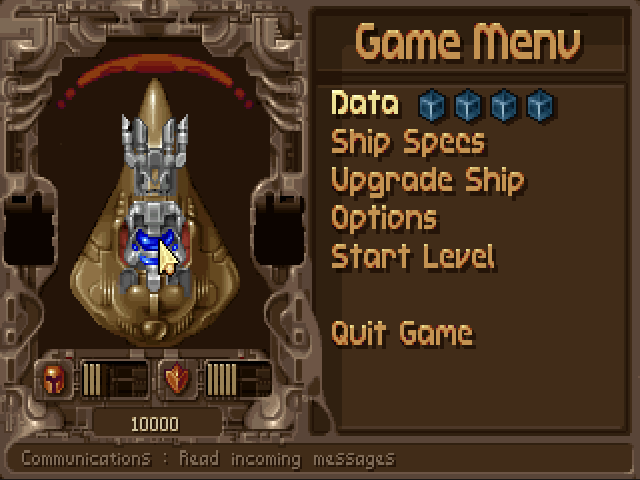 Tyrian 2000 FREE▶ Play free
-
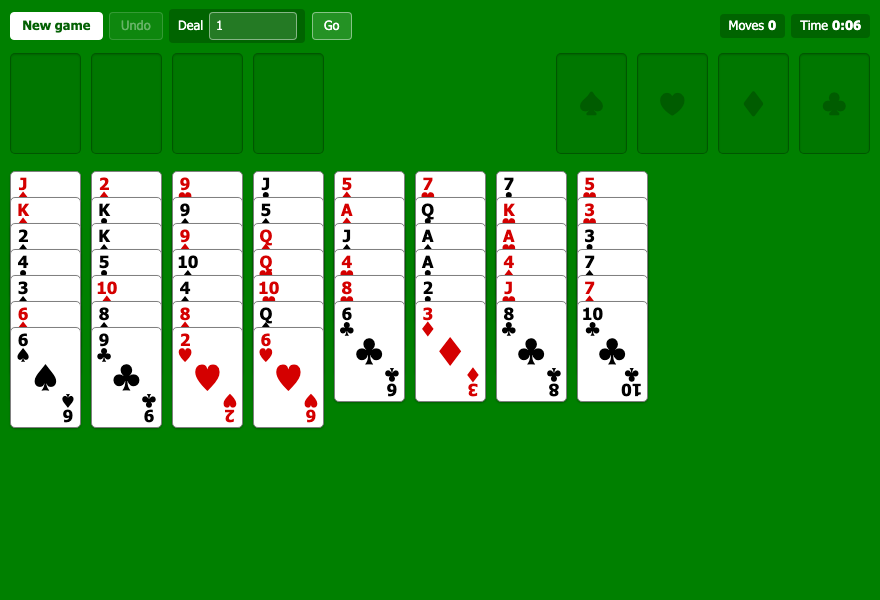 FreeCell FREE▶ Play free
-
 OpenTTD FREE▶ Play free
-
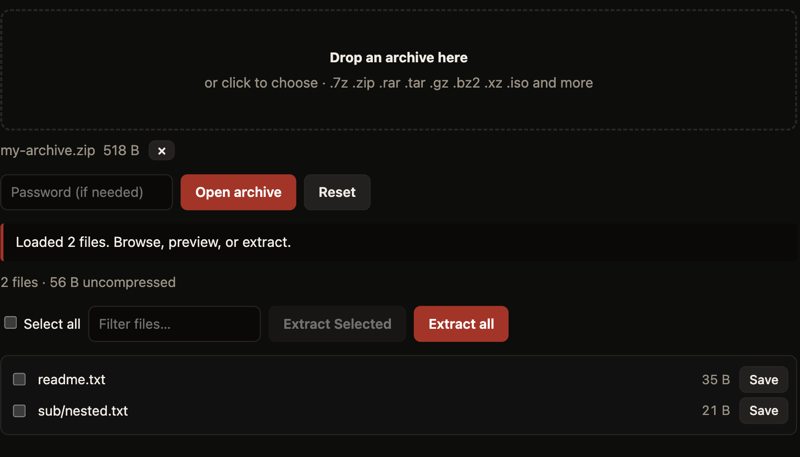 Archive Extractor NEW FREE▶ Play free
-
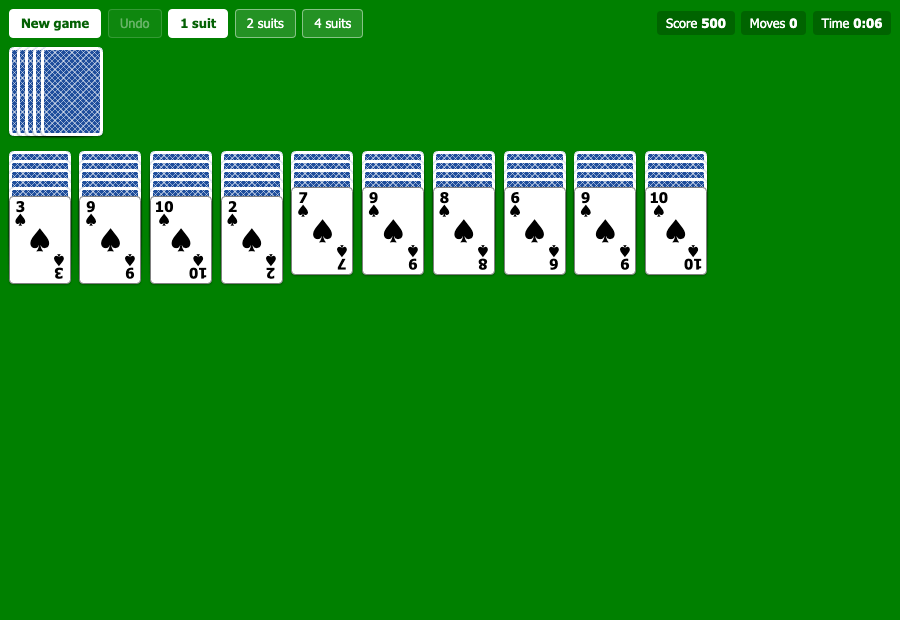 Spider Solitaire FREE▶ Play free
-
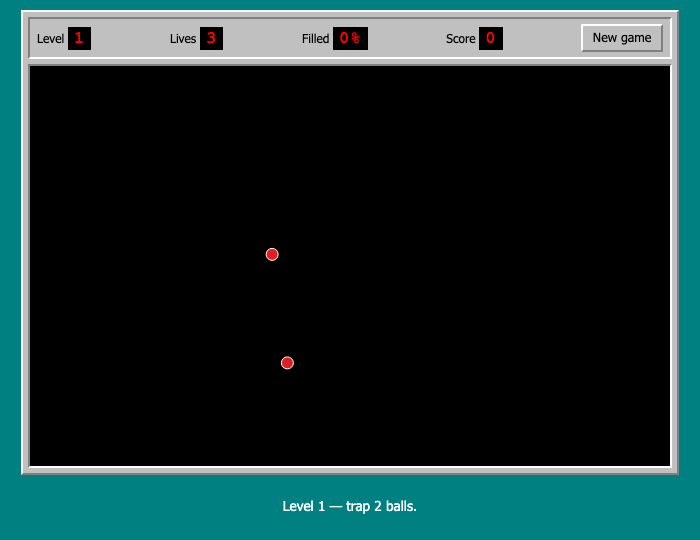 JezzBall FREE▶ Play free
-
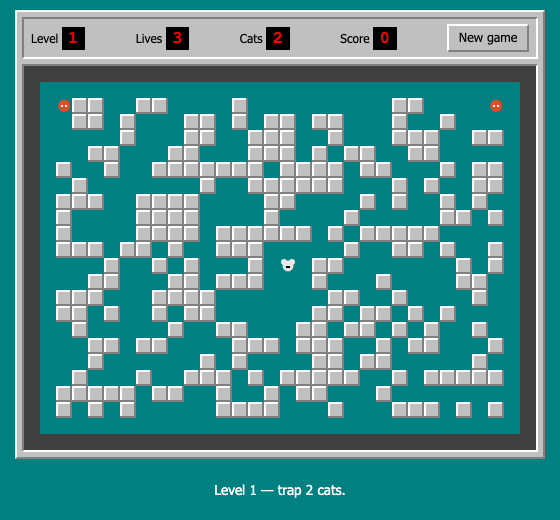 Rodent's Revenge FREE▶ Play free
-
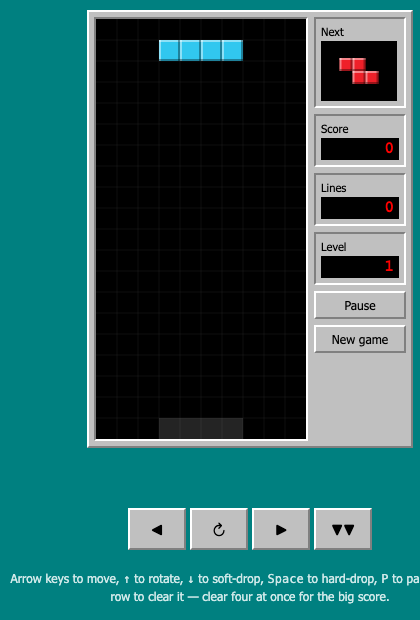 Block Drop FREE▶ Play free
-
 Snake FREE▶ Play free
-
 Pipe Panic FREE▶ Play free
-
 Hearts FREE▶ Play free
-
 Commander Keen▶ Play free
-
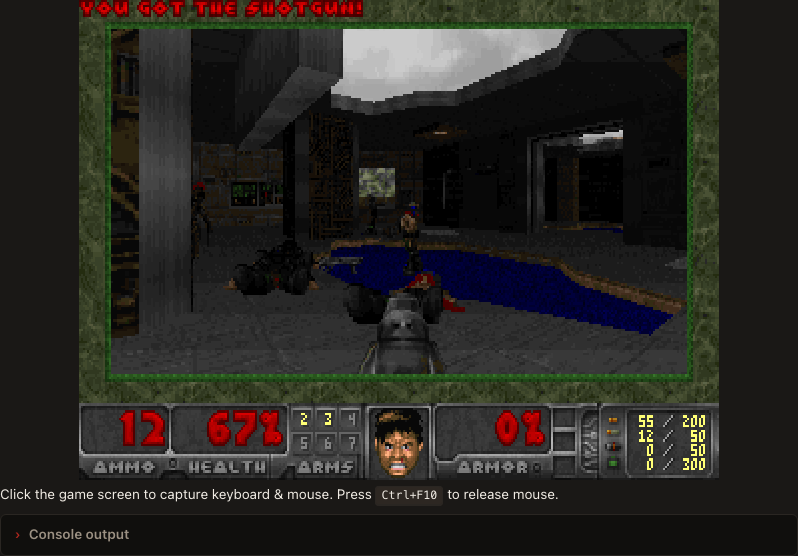 Freedoom FREE▶ Play free
-
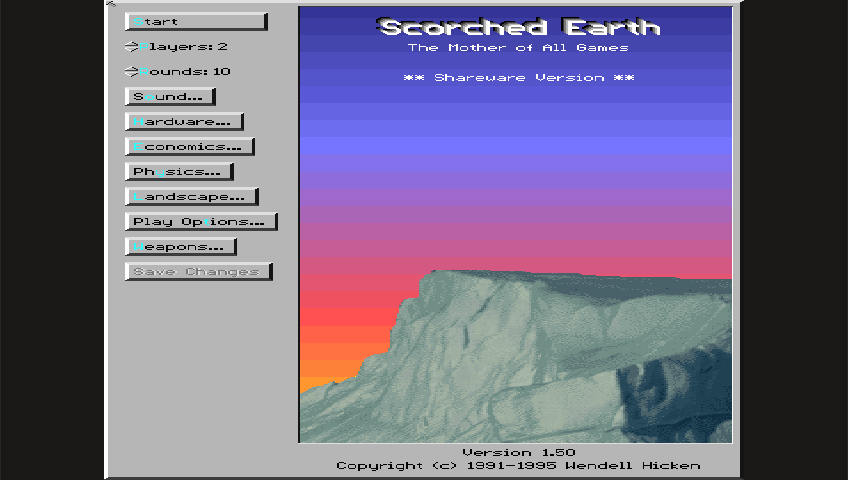 Scorched Earth▶ Play free
-
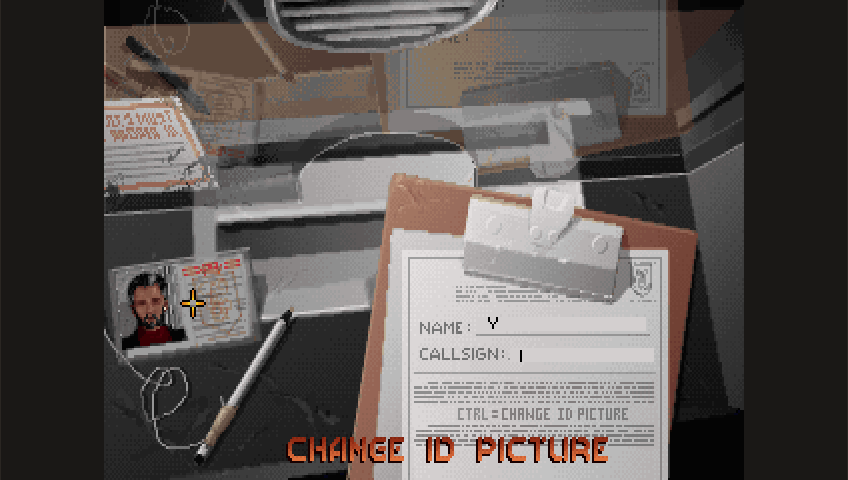 Raptor▶ Play free
-
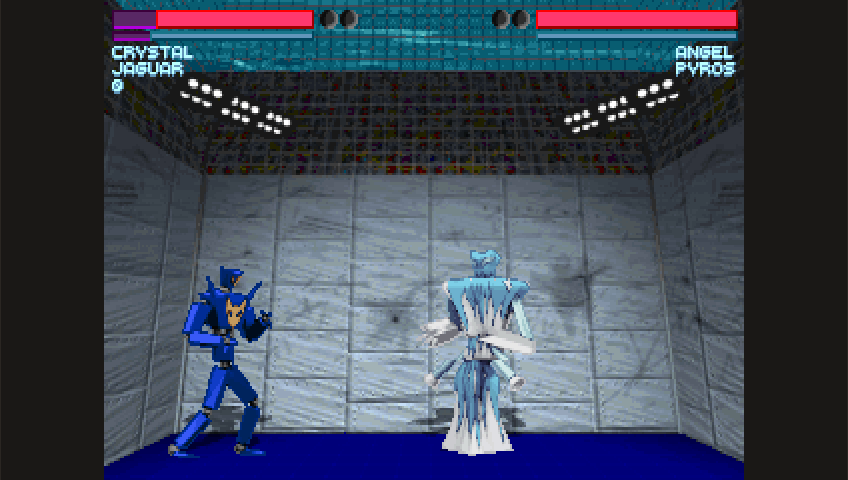 One Must Fall 2097 FREE▶ Play free
-
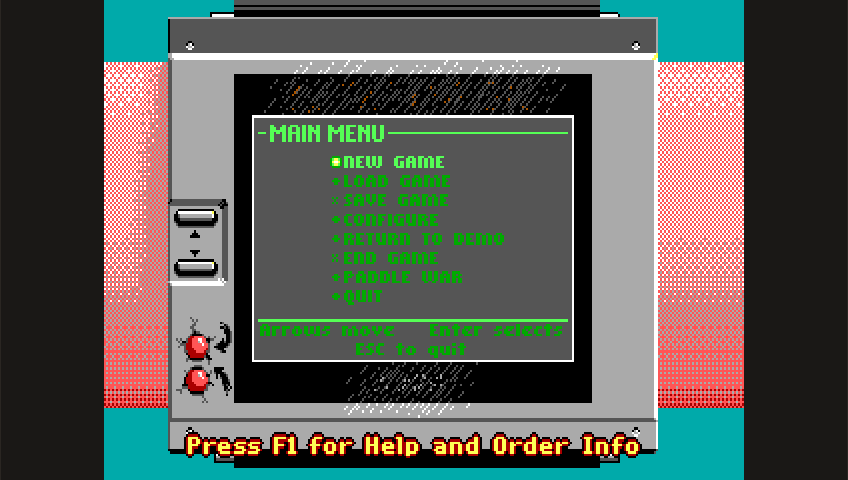 Commander Keen 4: Secret of the Oracle▶ Play free
-
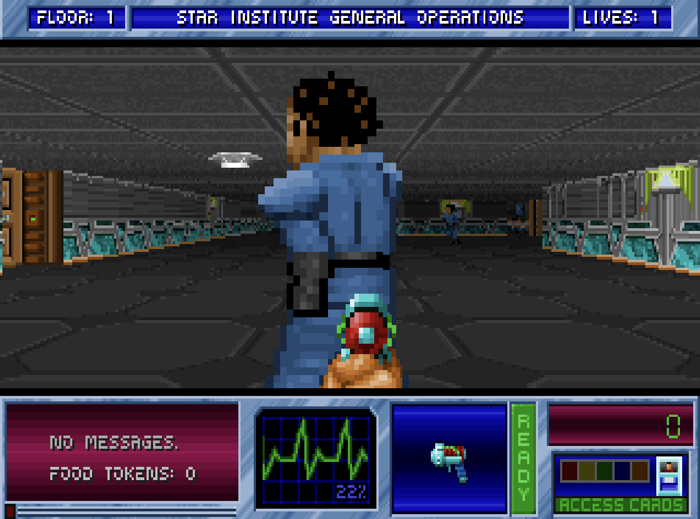 Blake Stone▶ Play free
-
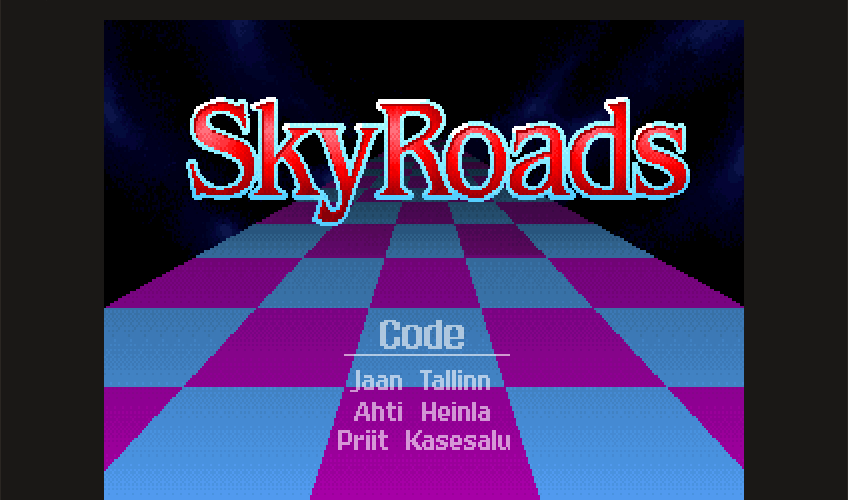 SkyRoads FREE▶ Play free
-
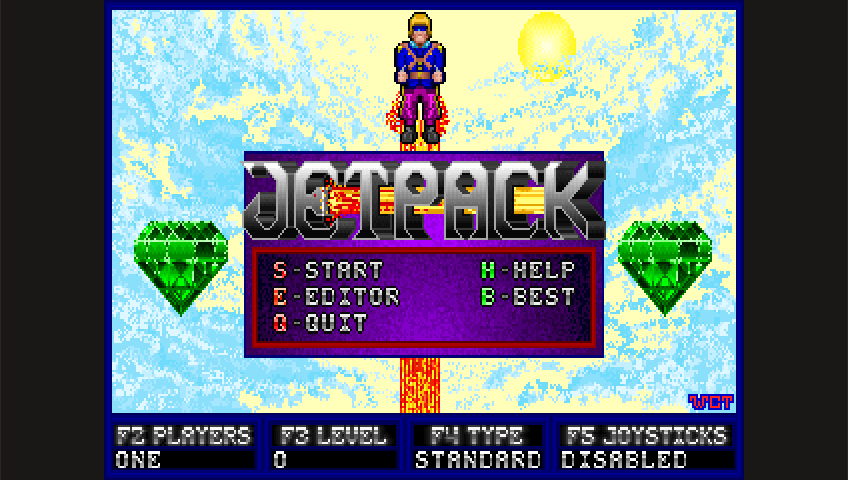 Jetpack FREE▶ Play free
-
 7-Zip FREE▶ Play free
-
 Sumatra PDF FREE▶ Play free
-
 PuTTY FREE▶ Play free
-
 God of Thunder FREE▶ Play free
-
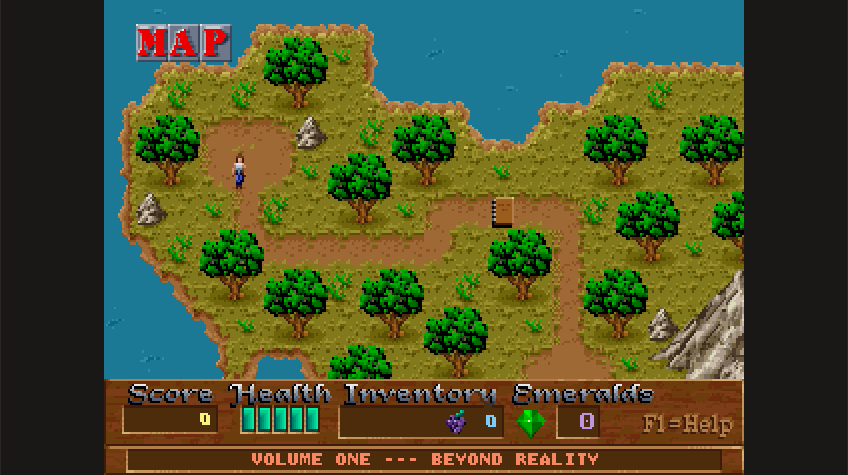 Xargon FREE▶ Play free
-
 Bio Menace FREE▶ Play free
-
 Alien Carnage FREE▶ Play free
-
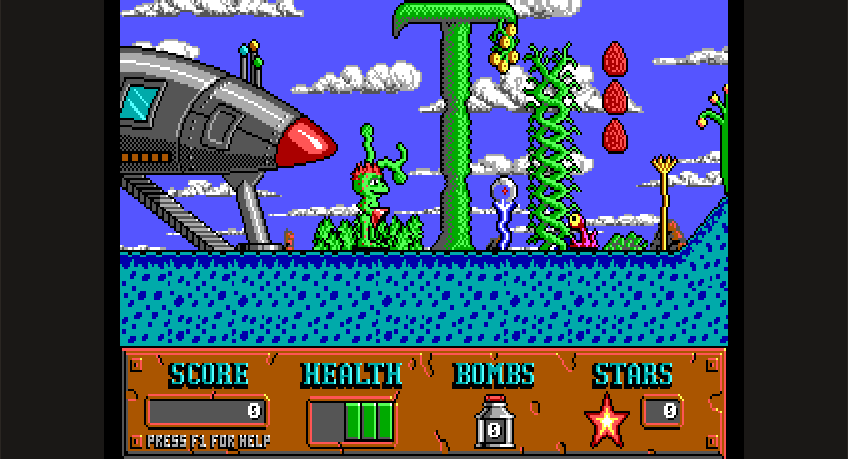 Cosmo's Cosmic Adventure▶ Play free
-
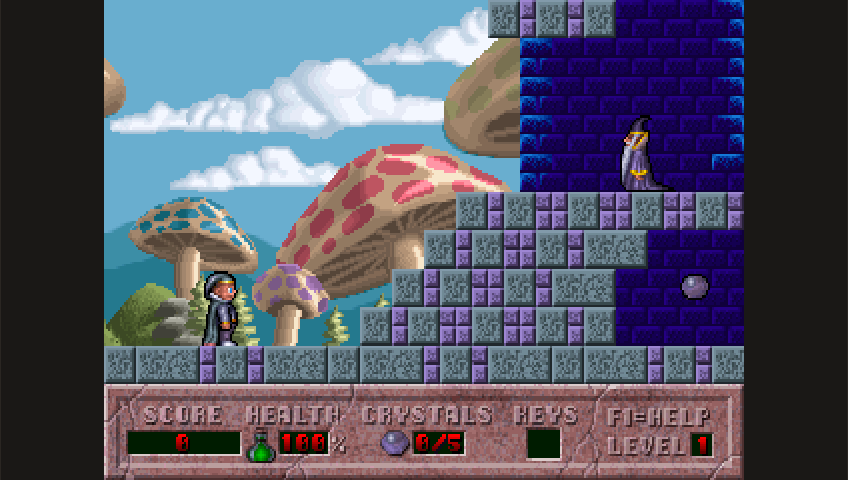 Hocus Pocus▶ Play free
-
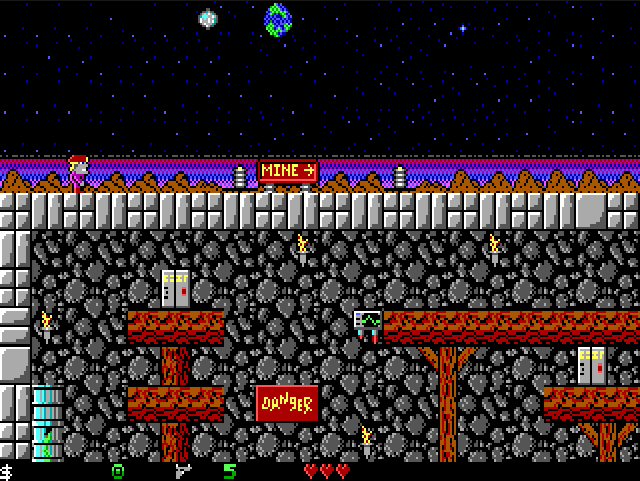 Crystal Caves▶ Play free
-
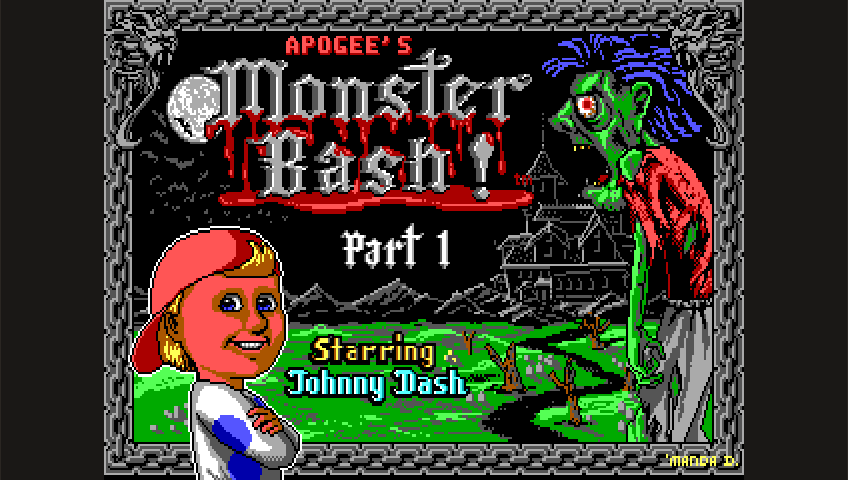 Monster Bash▶ Play free
- KeePass FREE▶ Play free
- Notepad++▶ Play free
See all app guides → — including honest compatibility notes for software we can't host, which you can load from your own device below.
🖥 Or run your own Windows program
Have an old .exe on your drive? Drop it here and it runs in this tab — no upload, no install, no account. Your file is read locally and never leaves your device.
Drop a Windows .exe here
or choose · ·
Works best with 32-bit Windows software from 1995–2008. Bring the whole folder if the app has DLLs or data files beside it.
Not sure it'll run? Read the compatibility guide · how to open an .exe file · the loader on its own page, with the Wine engine picker and the full walkthrough.
From the blog
How the runtimes work, what actually runs, and where to get classic software legally.
- Open Cadet: How I Rebuilt Space Cadet Pinball as Fully Open Source3D Pinball Space Cadet needs a proprietary PINBALL.DAT to run. I rebuilt that data file from scratch — original art, 47 synthesized sounds, CC0 public domain — so the open-source engine finally runs with zero Microsoft files. Here's how.
- Why Won't My Old Program Run on Windows 11?Six reasons old Windows software stops working on Windows 11 — missing 16-bit support, dead runtimes, broken installers, retired copy protection — and what actually fixes each one.
- How to Extract Files From an Old Installer (Without Installing It)Old setup.exe won't run, but you just need the files inside? Here's how to unpack a legacy Windows installer — with 7-Zip, innoextract, cabextract, msiextract, or a browser sandbox — without a full install.
Not here for a game?
The same idea, applied to a few things that are not games.
How it works
- Boot Wine — A WebAssembly build of Wine plus an x86 emulator (Boxedwine) loads in your browser tab.
- Drop an EXE — Pick a Windows executable from your device. It's read locally and copied into Wine's virtual
C:\drive in memory. - Run it — Wine translates Windows API calls into POSIX; the emulator executes the x86 instructions. Output renders to a canvas.
Privacy: your EXE is never uploaded. The file is read locally and stays in your browser tab. We use Google Analytics for basic page metrics and Google AdSense for ads — neither has access to your uploaded files or anything Wine does in memory.
▶ Quick Play — hosted games & apps
Free, license-clean software we host for you. One click to play — no upload needed.
🎮 = opens its own play page · 🖥 = runs right here in Wine · See all 68 app guides →
1 Boot Wine
First boot downloads ~12 MB of runtime + on-demand Wine filesystem. Cached after that.
2 Load an EXE
Drop a Windows executable here (or pick a folder / zip with the app's whole tree). Older 32-bit Win32 apps work best.
Drop files here, or pick: · ·
3 Wine display
Click the canvas to capture mouse and keyboard. Press Esc to release.
Captures everything the running app wrote to its in-memory C:\ — useful for installers, save files, generated content. Won't include the read-only Wine system files.
Console
The classic Windows games, playable here
The games that came with Windows are proprietary, so we can't host the originals — instead these are written from scratch and free to play, no emulator and no download. See all app guides →
- SolitaireClassic Klondike — draw 1 or 3, Vegas scoring, instant play.
- FreeCellThe same deal numbers as Windows — nearly every deal winnable.
- Spider SolitaireOne, two or four suits — two full decks, unlimited undo.
- MinesweeperBeginner to Expert, chording, first click always safe.
- JezzBallTrap the balls, capture 75% — the Entertainment Pack classic.
- HeartsTrick-taking against three opponents — shoot the moon.
- 3D Pinball Space CadetThe XP table — open-source build, instant play.
- DOOM (free shareware)The 1993 classic — free, legal, hosted here.
Will my app run?
Best chance: classic 32-bit Win32 apps (1995–2008 era). Solitaire, Notepad, AbiWord, Age of Empires, old shareware, simple installers without modern dependencies.
Probably won't run:
- 64-bit apps (Wine here is 32-bit only)
- Anything needing DirectX 10/11/12, Vulkan, or modern GPU features
- Modern .NET (Framework 4.5+ or .NET Core/5+) — limited support
- Apps with online activation, DRM, or anti-cheat
- Anything calling Win32 APIs added after ~Windows 7
Wine speed is roughly 10–40% of native. CPU-heavy apps will feel slow.
FAQ
Is my file uploaded anywhere?
No. Everything runs in your browser tab. The EXE is read via the File API and written into an in-memory virtual filesystem. No network request carries your file off the device.
Why does this exist?
To make Windows executables portable. Try an old game on a Chromebook. Run a legacy utility on iPad. Demo a Win32 tool without an installer. Recover something from an EXE archive without a Windows machine.
Why is it slow?
An x86 CPU is being emulated inside WebAssembly. Native CPUs run x86 directly; we have to interpret it. Expect 10–40% of native speed depending on the workload.
My EXE shows a black screen or crashes.
Most likely the app needs a Windows feature Wine doesn't implement, or a DLL we don't ship. Check the console below for clues. Try a simpler / older app first.
What is this built on?
Boxedwine — Wine + a 32-bit x86 CPU emulator compiled to WebAssembly. Wine is a trademark of CodeWeavers. Boxedwine is licensed under GPL-2.0.
Can I bring my own DLLs / dependencies?
Yes. Use the pick a folder or pick a zip options on step 2. Every file you provide is copied into Wine's virtual C:\Users\username\Desktop\userapp\ directory before the EXE runs, so an app that loads data\maps\level1.dat or plugins\foo.dll from its working directory will find them. The entry picker lets you choose which EXE inside the bundle to launch when more than one is present.
What's the difference between the Wine variants?
Wine 1.7.55 · Win32 (default) is the everyday choice. Most of the Wine filesystem is range-fetched on demand, so the first boot only pulls down what an app actually touches — usually 30–60 MB. Good for the majority of 1995–2008 Win32 apps.
Wine 1.7.55 · Win32 + Gecko bundles the offline Wine Gecko MSI inside the root. Some older apps and installers (notably 3D Pinball Space Cadet's bundled IE component, MSI-based installers that call into HTML help) prompt to download Gecko on first run. With this variant the prompt is skipped.
Wine 3.1 · Win 3.x 16-bit only is a specialized build for the 1990–1994 era — programs targeting Windows 3.0 / 3.1 / 3.11 using the 16-bit WIN16 API. It will not run Win32 apps at all. Use it for things like Klotz, Lander, or 16-bit shareware archives.
Boxedwine 18R2 is an older snapshot of the Boxedwine engine (the 2018 Release 2 build). The Wine version is similar, but the emulator and integration layer are different. Occasionally an app that fails in the current engine works here, or vice versa — it's worth a try when something refuses to start.
Do I need a fast computer?
Any modern browser works (Chrome, Edge, Firefox, Safari) and ideally at least 4 GB of free RAM. The CPU emulator is single-threaded, so single-core performance matters more than core count. A 2018+ laptop is comfortable. An older Chromebook or basic tablet will work but feel sluggish on CPU-heavy apps.
Does ExeBrowser work offline?
The first boot has to download the runtime and Wine filesystem (~12–80 MB depending on variant). After that, the browser caches all of it and subsequent boots can run without a network connection until cache is cleared. Your uploaded EXE never needs the network at all unless the app itself requests something.
How do I save my work?
Use the Download files written by this app button on step 3. It packages everything the running program wrote to its in-memory C:\ into a zip file you can download. This is how you extract installer output, save game files, generated documents, or anything else the app produced during the session.
How WebAssembly + Wine actually works under the hood
When you boot Wine in your browser, three distinct technologies are stacked on top of one another. Understanding the layering helps explain both the magic and the limitations.
Layer 1 — the x86 CPU emulator. The foundation is Boxedwine's CPU interpreter. A real Windows EXE is a stream of x86 (or x86-64) machine instructions: MOV EAX, [EBP+8], CALL printf, and so on. Your browser doesn't speak x86 directly; it speaks WebAssembly, a portable bytecode format. So Boxedwine ships a software CPU written in C++ that reads x86 instructions one at a time and simulates the effect each one would have on a real Pentium-era processor. That C++ CPU itself is then compiled to WebAssembly, which the browser executes. This is the slow part — you're paying for two levels of indirection.
Layer 2 — Wine. A Windows EXE doesn't just contain CPU instructions; it also makes thousands of calls into Windows DLLs like kernel32.dll, user32.dll, gdi32.dll, ddraw.dll, and so on. Wine ("Wine Is Not an Emulator") is a re-implementation of the Windows API on top of POSIX. When the emulated CPU executes a CALL CreateWindowExA instruction, Wine intercepts that call and runs its own POSIX-compatible version of CreateWindowExA. This is why Wine adds a runtime cost beyond emulation: every API call gets translated.
Layer 3 — the browser bridge. Wine's POSIX-style output still has to render somewhere. Boxedwine maps Wine's framebuffer to an HTML5 <canvas>, routes keyboard and mouse events from the browser into Wine's input queue, and synthesizes a virtual filesystem (BrowserFS) so Wine sees a normal-looking C:\ drive even though it's just JavaScript holding bytes in memory. Audio goes to Web Audio. The whole pipeline runs single-threaded on the page's WebAssembly instance, so it needs no special browser flags or headers.
The whole pipeline — emulator-in-Wasm running Wine running your EXE — typically delivers around 10–40% of native CPU performance. For UI-driven apps that's invisible. For 3D games or compression-heavy work it's noticeable.
Application compatibility guide
The following observations are based on hundreds of test runs across the four Wine variants. They are guidelines, not guarantees — Wine's behavior is sensitive to even minor differences in DLL usage.
Categories that work well
- Pre-2005 utilities and shareware — file managers, hex editors, CD rippers, weather widgets, the early generations of WinRAR and 7-Zip GUIs, Notepad-style text editors.
- 2D games from the Win9x / early XP era — point-and-click adventures, classic puzzle games, turn-based strategy, 2D RPGs. Anything that ran happily on a 500 MHz Pentium III.
- Old Microsoft Office and clone office suites — Office 97, Office 2000 mostly work; later versions get progressively flakier. AbiWord and Gnumeric run very reliably.
- Programming and demo tools — early Delphi / VB6 apps, Turbo Pascal binaries, classic demoscene executables targeting Win32.
- Educational software — Encarta-era CD-ROM content, math tutors, language learning apps from the late 90s.
Categories that struggle
- Anything 64-bit — Wine here is 32-bit only. Modern apps shipping only x64 binaries will refuse to load. Older 32-bit installers are usually still available on archives like archive.org.
- 3D games using DirectX 9+, Direct3D 10/11/12, or Vulkan — Boxedwine's 3D pipeline is limited. OpenGL 1.x works; modern shader stacks do not.
- .NET 4.5 and later — Wine 1.7.55 predates much of modern .NET. .NET 2.0 and 3.5 apps sometimes work; later runtimes are usually a non-starter without manual DLL replacement.
- Software with DRM, online activation, or anti-cheat — these typically probe the kernel in ways Wine can't satisfy and refuse to start.
- Anything calling Win32 APIs added after Windows 7 — UWP, modern shell extensions, ribbon UI from Office 2010+, hardware-accelerated text rendering.
Tips for getting borderline apps to work
- Try the +Gecko variant first if the app mentions HTML, IE, or HTML Help. A surprising number of late-90s apps embed an IE control for help screens or licensing screens.
- For 16-bit programs, use the Win 3.x variant. Win32 variants don't include WoW (Windows-on-Windows) for 16-bit support.
- If an app needs extra DLLs or data files, bundle them as a folder or zip. Use the folder picker to upload the entire install directory at once so DLLs sitting beside the EXE are found at runtime.
- If the default engine crashes immediately, try 18R2. The two engines have slightly different quirks and one will sometimes succeed where the other doesn't.
- Watch the console output. Wine prints fixme: and err: lines that pinpoint missing functions. A flood of
fixme:msiusually means the app needs an MSI feature Wine doesn't implement.
Troubleshooting common problems
"Boot Wine" never finishes
The most common cause is a blocked or stalled download of the runtime files — a corporate proxy, firewall, or aggressive browser extension interfering with the multi-megabyte .wasm and filesystem fetches. Open DevTools, switch to the Network tab, and check whether requests under /boxedwine/ are failing or hanging. Try a different network, or temporarily disable ad-blocking extensions and reload.
The canvas is black after I click Run
This usually means the app started, but either crashed immediately during init or is waiting on something invisible (a missing DLL, a missing registry key, a console window we don't render). Open the Console section and scroll for lines starting with err:. If you see err:module:import_dll Library X.dll not found, the app needs a DLL we don't ship — bundle the install folder using the folder picker. If you see 0x80004005 or STATUS_DLL_NOT_FOUND, same story. If the console is empty, try the 18R2 variant.
"MSI install error 1627"
This is a Wine 1.7.55 limitation, not an ExeBrowser bug. The bundled Wine version has incomplete MSI installer support; some MSI custom actions and table types aren't implemented. There's no workaround inside the browser. If you can find a non-MSI installer for the same app (some shareware ships both), or extract the contents with a tool like 7-Zip or msiextract on your local machine first and upload the extracted folder, that usually gets you past it.
App opens but is impossibly slow
Remember that you're running an x86 emulator inside WebAssembly inside a browser. Expect 10–40% of native performance on a fast laptop, less on a tablet. CPU-heavy apps (compression, encryption, large file parsing, software 3D) feel especially slow. If the app has any "low quality" or "fast" rendering mode, enable it. Close other tabs. Use a Chromium-based browser if possible — V8's Wasm tier-up is currently the fastest.
Keyboard or mouse input isn't reaching the app
Click directly on the canvas to capture input. The canvas needs focus to receive events. If you press Esc, focus is released back to the page. Some apps expect a certain keyboard layout — Wine here uses US English by default; if you type and see wrong characters, the app may be assuming a different code page.
Files I created inside the app are gone after a reload
The virtual C:\ drive lives in memory, not on your disk. Reloading the page wipes everything. Before reloading, click Download files written by this app to save anything you generated. On the next visit, upload it as a folder or zip alongside the EXE to restore your working state.
Why run Windows apps in a browser? A short history
The dream of "Windows in a browser" is older than most browsers. It started in earnest in the early 2010s with projects like v86, which booted full PC operating systems (DOS, FreeDOS, Windows 95, ReactOS) inside a JavaScript x86 emulator. Around the same time, Fabrice Bellard's JSLinux demonstrated that a complete Linux userland could run client-side. These were curiosities — performance was poor and integration with the browser was minimal — but they proved the concept.
The big shift came with WebAssembly, standardized in 2017. Suddenly browsers could execute compiled bytecode at near-native speed, and large C/C++ codebases like Wine became plausible targets. Boxedwine — originally a desktop project to bundle Wine + a CPU emulator for Windows users — gained an experimental WebAssembly target around 2018. The 2018 Release 2 ("18R2") build is the snapshot still distributed by sourceforge and used here as the alternative engine option. The current engine builds use a more recent Wine integration with on-demand range-fetched filesystems, which is what makes the default variant boot in seconds rather than minutes.
The practical use cases turned out to be more compelling than the academic ones. Schools running Chromebooks needed a way to run legacy educational Win32 software. Museums and archives wanted to make CD-ROM-era content browsable without shipping a virtual machine. Hobbyists with iPads wanted to revisit shareware from their youth. Developers wanted to demo old internal tools without installers. And every year, more of the early Win32 software ecosystem slipped out of practical reach because it had been written for an OS and CPU that newer machines no longer ran. Running it in a browser is the easiest preservation strategy that doesn't ask the user to install anything.
ExeBrowser fits into this lineage as a focused front-end: take a Windows EXE, get it running, get any files it produced back out, and require nothing on the client side beyond a modern browser tab. The Boxedwine and Wine projects do the heavy lifting; this site is the glue that makes them approachable.
Glossary
- Wine
- "Wine Is Not an Emulator" — an open-source re-implementation of the Windows API on top of POSIX (Linux, macOS, etc.). Wine translates Windows DLL calls into native ones. It doesn't emulate the CPU; it relies on running on x86 hardware (or, in our case, an x86 emulator). Maintained by WineHQ; large parts are upstreamed from CodeWeavers' commercial CrossOver product.
- Boxedwine
- A project that combines Wine with an integrated 32-bit x86 CPU emulator, so Wine can run on platforms where x86 isn't available — like ARM phones, or WebAssembly. Created and maintained primarily by James Banks (danoon2 on GitHub). Distributed under GPL-2.0.
- WebAssembly (Wasm)
- A portable binary instruction format designed for safe, fast execution in browsers (and increasingly outside them). Compilers like Emscripten can take C/C++ codebases and produce
.wasmfiles that browsers execute at near-native speed. - SharedArrayBuffer
- A JavaScript API that lets multiple threads share a memory region. The standard 32-bit runtime here is single-threaded and doesn't use it; only the experimental 64-bit (wine64) runtime relies on it for its thread support, which is why that runtime lives on its own cross-origin-isolated page.
- COOP / COEP
- Cross-Origin-Opener-Policy and Cross-Origin-Embedder-Policy — HTTP response headers that, together, put a page into "cross-origin isolated" mode, unlocking SharedArrayBuffer and high-resolution timers. Only the experimental 64-bit runtime pages send them here.
- Gecko (Wine Gecko)
- A Wine-flavored build of Mozilla's Gecko rendering engine, used as a stand-in for Internet Explorer's MSHTML when an app embeds a browser control. Some apps and installers (notably 3D Pinball Space Cadet, older HTML-help-using installers) refuse to start until Gecko is available.
- PE (Portable Executable)
- The Windows executable file format.
.exe,.dll,.ocx, and.sysfiles are all PE files. A PE starts with a small DOS stub, followed by a "PE\0\0" signature and headers describing sections, imports, and entry point. - Win16 vs Win32
- Win16 is the 16-bit Windows API used by Windows 1.0 through Windows 3.11 and partially on Windows 9x. Win32 is the 32-bit API that became dominant with Windows 95 / NT 3.51 and is still the basis of desktop Windows today. ExeBrowser ships separate variants because supporting both in one build is more work than it's worth here.
- BrowserFS
- A JavaScript library that presents an in-memory virtual filesystem to code that expects a POSIX-style filesystem. Boxedwine uses BrowserFS to give Wine a real-looking
C:\drive that is actually just an object tree in your browser tab.
Open source & licensing
ExeBrowser is built entirely on free and open-source software. The components and their licenses:
- Boxedwine — GPL-2.0. The Wine + x86 emulator runtime.
- Wine — LGPL-2.1. The Windows API re-implementation that Boxedwine bundles.
- BrowserFS — MIT. The virtual filesystem.
- JSZip — MIT. Used to package files the running app writes, and to unpack folder/zip uploads.
- ExeBrowser glue code — GPL-2.0. The site, the variant dropdown, the upload pipeline, the writable-layer downloader. Source on GitHub.
Wine is a trademark of CodeWeavers. ExeBrowser is an independent project and is not affiliated with WineHQ, CodeWeavers, Microsoft, or the Boxedwine project.